NIST SP 800-88 Explained: Clear / Purge / Destroy (Media Sanitization)
NIST SP 800-88 Explained: Clear / Purge / Destroy (Media Sanitization)
One of the most common causes of post-disposal incidents is simple: data that was “deleted” can still be recovered.
A widely referenced guideline for preventing this is NIST SP 800-88, published by NIST (the U.S. National Institute of Standards and Technology).
What you’ll learn (Key takeaways)
- What “media sanitization” means in NIST SP 800-88
- The 3 levels: Clear, Purge, Destroy — and how they differ
- How to choose the right level for reuse, transfer, or disposal
- What evidence/logging you should keep for audits and compliance
What is NIST SP 800-88?
NIST SP 800-88 is a guideline for sanitizing storage media (HDD/SSD/mobile devices/removable media, etc.)
in a way that matches your threat model and device characteristics.
The key point is that “factory reset” or “file deletion” is not the same as being unrecoverable.
The three sanitization levels
1) Clear
A logical approach intended to reduce the likelihood of recovery using typical software tools.
Examples include full-area overwriting and using OS-provided secure erase functions where appropriate.
- Best for: Internal reuse, low-to-medium sensitivity data
- Note: The correct method depends on the media type (especially SSDs)
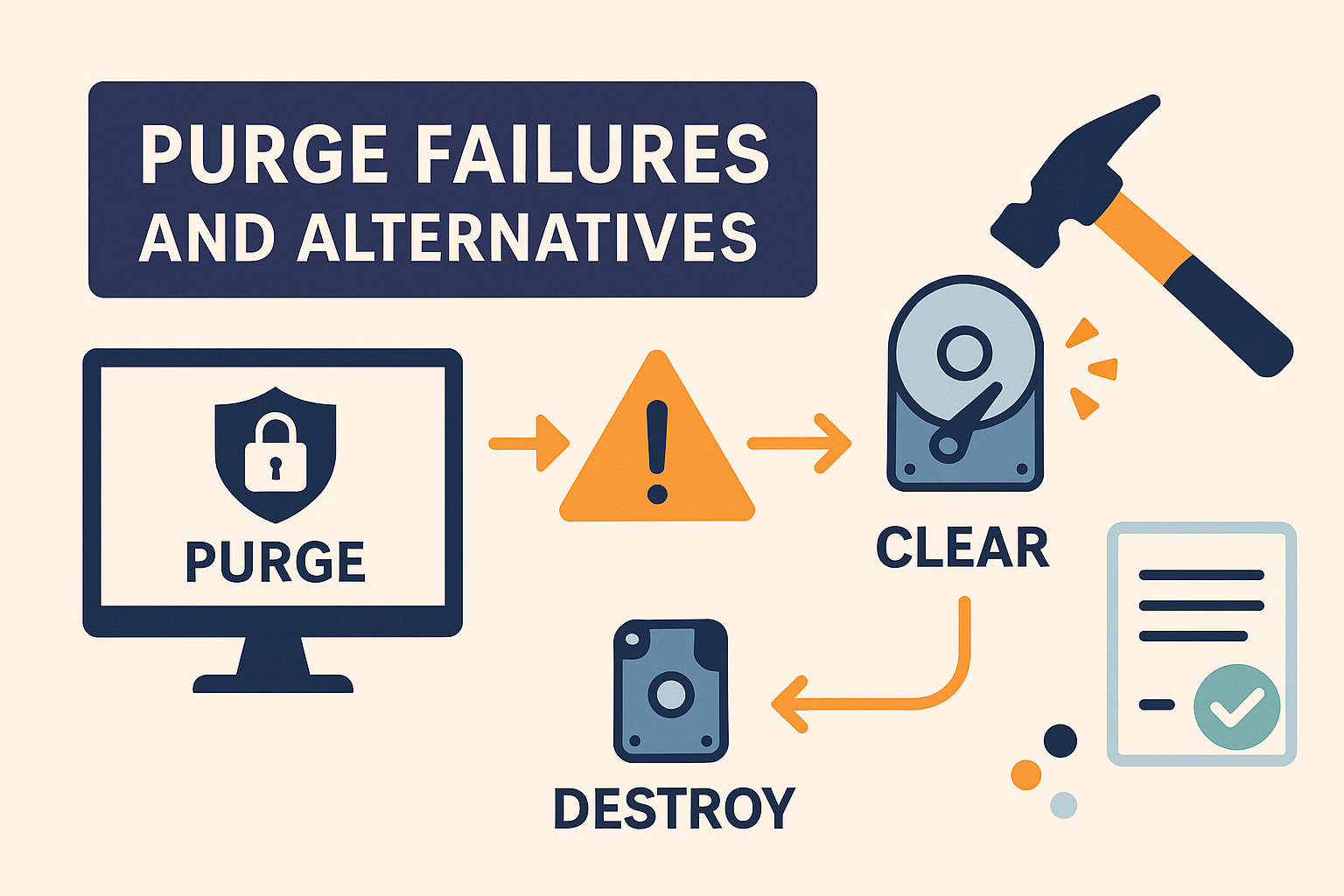
2) Purge
A stronger level intended to address more capable adversaries and media-specific behavior.
For SSDs, this may include device-specific commands (e.g., Secure Erase) or cryptographic erasure.
- Best for: External transfer/sale, data containing personal or sensitive information
- Note: Choosing the wrong approach can create a “false sense of erasure”
3) Destroy
Physical destruction where the media is not intended to be reused.
This is considered when the goal is to practically eliminate recovery by destroying the storage medium.
- Best for: Final disposal, extremely high sensitivity scenarios
- Note: Operational controls (chain-of-custody, witness, records) matter as much as the act itself
How to choose the right level
- Data type: personal data, customer records, contracts, trade secrets
- Disposition: reuse internally vs. transfer outside vs. disposal
- Media: HDD/SSD/mobile/tablet/external/server
- Evidence requirements: do you need proof for audits or partners?
Audit-ready evidence: what to record
For audits and incident response, the most important question is: “What happened, to which device, how, and with what result?”
Having consistent records makes compliance and partner communication much easier.
- Execution logs (device identifier, method, result, errors)
- Operator/location tracking and asset ledger linkage
- Erasure certificates when required (e.g., PDF)
FAQ
Q. Isn’t factory reset / deletion enough?
In general, deletion or reset does not guarantee unrecoverability.
The proper method depends on the threat model and the type of media.
Q. Is overwriting always safe for SSDs?
SSD behavior differs from HDDs due to wear leveling and internal mapping.
Media-specific approaches such as Secure Erase or cryptographic erasure should be considered.
Next steps
If you need help designing an erasure process that matches your devices, workflow, and evidence requirements,
start by listing your media types, volumes, return/disposal flow, and proof needs.
See Pricing and Contact for next actions.