

2026-05-13
iPad Data Erasure Software Guide | School, Enterprise, and Return Workflows
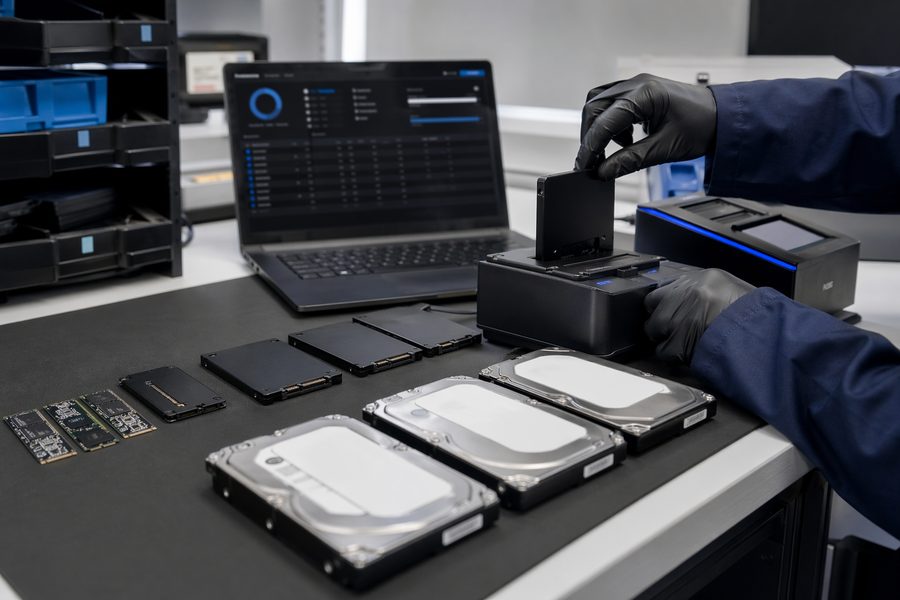
iPad projects often appear in groups: school refreshes, enterprise reissue cycles, lease returns, and ITAD handoff. That means the challenge is not only resetting devices. Teams also need to keep ABM / MDM assumptions, return-facing evidence, and operator history aligned so the workflow is explainable after the job closes.
Who this page is for
Need to process class or year-group iPads while keeping the return story clean.
Need grouped wipe operations before lease return, disposal, or reissue.
Need logs and certificates that can flow into later inspection or resale handling.
Need certificates, cloud logs, and operator traceability in one evidence chain.
What matters most in iPad workflows
iPad erasure tends to be shaped by grouped operations and return-facing documentation rather than single-device technical variation.
- ABM / MDM management state
- Return-ready evidence output
- Grouped handling by class, department, or project
- Operator and handoff traceability
For iPad, pre-return organization often matters more than the reset itself
A built-in reset does not automatically preserve which iPad belonged to which return batch, who processed it, or what proof needs to be shown later. In schools and enterprise fleets, the right lens is whether the platform can support bulk organization plus evidence output in the same route.
Common iPad operating scenarios
| Scenario | Typical condition | What matters most | What to confirm first |
|---|---|---|---|
| School refresh | Year-end or intake-driven device turnover | Grouped organization and return records | Management state, labels, and submission format |
| Enterprise fleet return | Department-level return or redeployment | Operator traceability and reissue readiness | Department records, assignees, and evidence rules |
| Lease return | Deadline-driven bulk processing | Certificate delivery and missed-device control | Return conditions and incomplete-device handling |
| ITAD / resale preparation | Inspection or later reuse follows the wipe | Log handoff into the next step | Next workflow stage, lot design, and evidence retention |
The MASAMUNE operating core for iPad
Grouped handling by class, department, or return batch keeps the workflow stable.
PDF certificates, cloud logs, and operator traceability should be available together.
ABM and MDM assumptions should be handled as part of the erase preparation path.
The same iPad group may move across those contexts, so one chain is easier to operate.
Frequently asked questions
Q. Can MASAMUNE handle bulk iPad reset projects for schools or companies?
Yes. MASAMUNE is designed to help teams process grouped iPad projects while keeping return-facing evidence and operator history attached.
Q. Can each iPad get its own return-ready certificate?
Yes. MASAMUNE can generate per-device PDF certificates and keep them connected to cloud logs and later QR verification.
Q. What about ABM or MDM-managed iPads?
Managed-state review should be part of the workflow before erasure starts. School, enterprise, and lease-return teams should treat ABM and MDM assumptions as a precondition, not an afterthought.